
Tricount splits the money.
Splitdibs splits the work.
In every friend group, one person ends up organizing everything. Splitdibs turns the group chat into who-does-what, so everyone takes their share.
Split the work in three steps
The project opens in your browser, on a phone or a computer.
Create a projectCreate your project
A weekend, a vacation, New Year's: pick what you're planning. Splitdibs suggests the usual tasks.
Share the link
Send it to your WhatsApp group. Your friends see right away what still needs someone.
Everyone takes their share
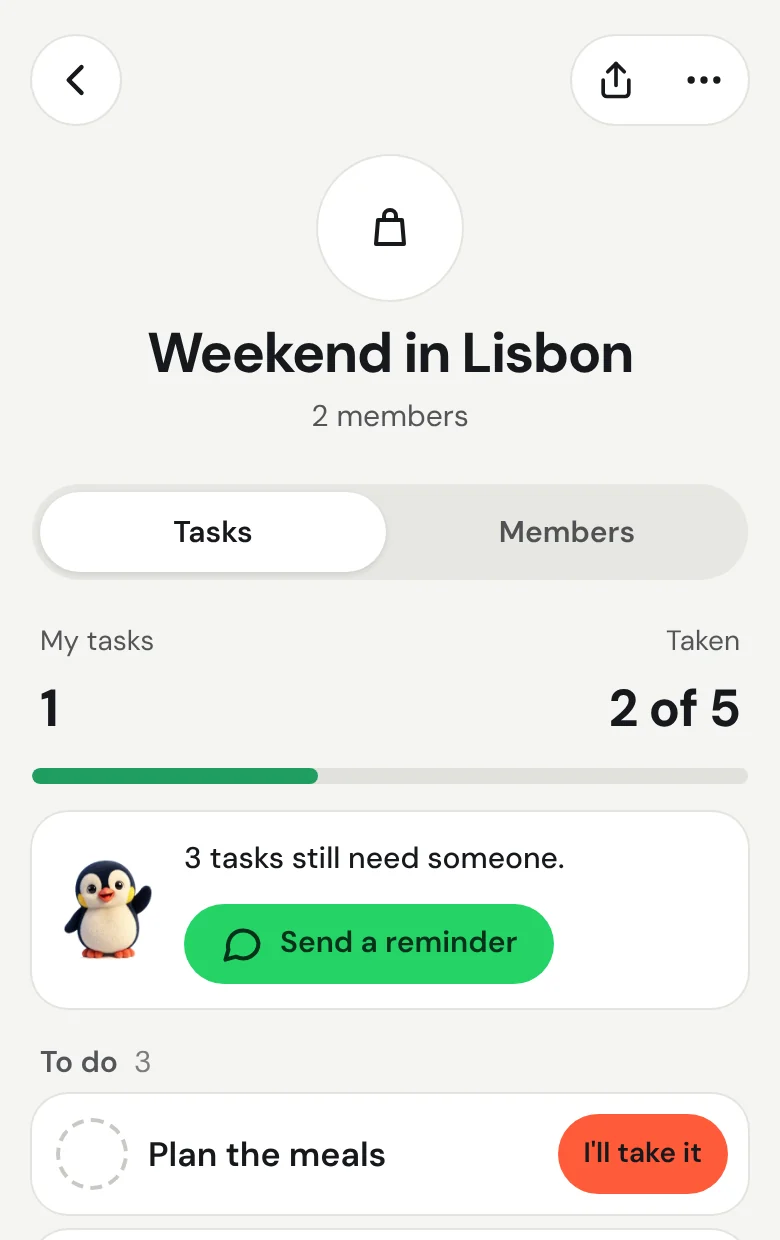
Each person taps "I'll take it", then "It's done". Everyone sees where things stand.
Organizing can be shared too.
Everyone takes their share.
You can see who does what.
Every task has a name next to it. You see what's taken and what's left.

Everyone picks what they do.
Your friends open the link and tap "I'll take it". Nobody hands out the work.

And you say when it's done.
One tap on "It's done" and everyone knows. No more chasing people to find out where things stand.

Keep WhatsApp for chatting.
Splitdibs does one thing: who does what.
For chatting. You keep your group.
Tricount
For the money: who owes what to whom.
Splitdibs
For the work: who does what.
There's always one person who organizes everything.
Three posts read on Reddit.
“I'm kinda tired of being the planner in my friend group.”
“After attempting to get logistics and answers I stopped planning.”
“Our WhatsApp group is basically 400 unread messages.”
We never know who's doing what.
There are always one or two who take the lead, and everyone else is lost.
That's what Splitdibs is for: no more putting everything on one person's shoulders.
Meet Dibs.
Among emperor penguins, nobody stays on the edge of the group all winter: they take turns to keep warm. Dibs helps your group do the same with tasks. He shows what still needs someone and celebrates what's done.
Choose your penguin.
16 birds from Dibs's family: penguins, chicks, even a puffin. Yours shows up next to your tasks.













Every helping hand counts.
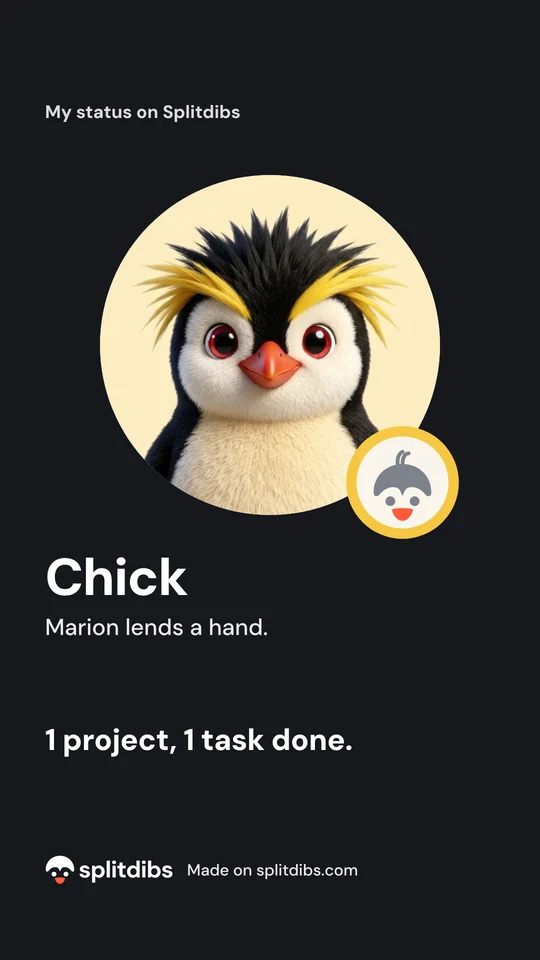
Take a task, finish it, earn points. Your points take you from Chick to Emperor penguin. Only you can see your points.





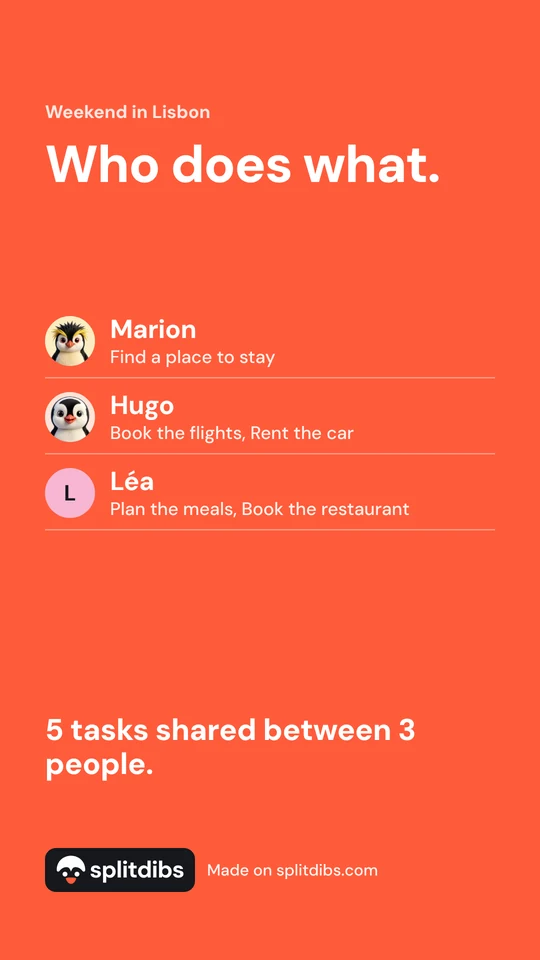
Share your project to your story.
A card showing who does what, ready for your story or your group chat. The project link isn't on it.
Coming soon to your phone.
The Splitdibs app is coming to iPhone and Android. Until then, everything already works in your browser.
Frequently asked questions
Is it free?
Yes. Creating a project, inviting your friends and sharing out the tasks is free.
Do I need to install an app?
No. Splitdibs opens in your browser, on a phone or a computer.
Do my friends need an account?
Yes, with Google or an email address. The link shows them the project right away. The account is there so everyone knows who does what.
How is it different from Tricount?
Tricount splits the money. Splitdibs splits the work: who books, who gets the groceries, who sorts out the rides. They work well together.
Who can see my project?
Anyone who has the link. You can change the link at any time.
What happens to my data?
A project is deleted 12 months after its last activity. You can delete your account whenever you want. The details are on the Privacy page.

Organizing something with friends?
Split the work too.
Create a project
Send Splitdibs to your group
The message is already written. Just pick the chat.